
Claude Opus 5.5 made this.
Made by a Claude Code agent. It wrote the file in one go and never ran or fixed it.
Took longer than my 45-minute limit. I kept it because the file did arrive.
Same prompt, other runs
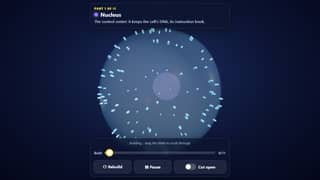 Opus 5.5 Effort: Max, level 5 of 5
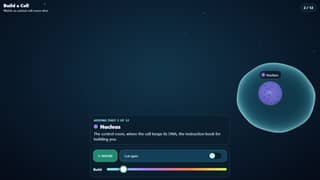 Fable 5.2 Effort: Extra high, level 4 of 5
 Haiku 5.5 Effort: Max, level 5 of 5broken · auto-checked (Checked by an automated pass. Not hand-played yet.)
 Sonnet 5.5 Effort: Max, level 5 of 5
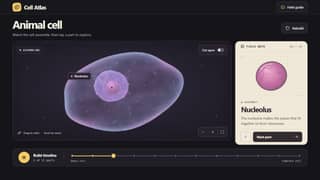 GPT-6.2 Astra Effort: Max, level 5 of 5
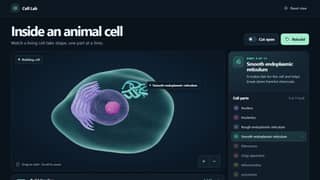 GPT-6.2 Sol Effort: Max, level 5 of 5
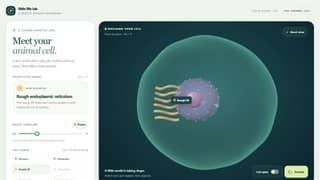 GPT-6.1 Terra Effort: Max, level 5 of 5
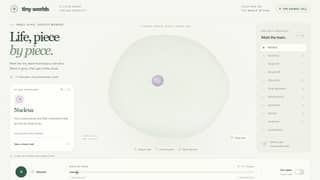 GPT-6.1 Sol Effort: Max, level 5 of 5
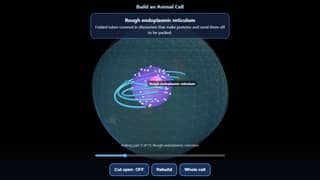 Opus 5.5 Effort: Low, level 1 of 5
Receipt
- Made in
- Claude Code
- Paid with
- Claude subscription
- Time
- 1 h 10 min
- Tries
- One-shot
- Date
- Nov 22, 2026
- By
- a Claude Code agent
- API equivalent (estimate)tokens × list price
- about $9.51
Estimate at list API prices. I used my regular paid plan, not the API.
Prompt and answer tokens at list price, thinking included; the coding tool's own instructions are not counted.
Try
- Try 1works · auto-checked (Checked by an automated pass. Not hand-played yet.)shownCode of try 1
How it was made
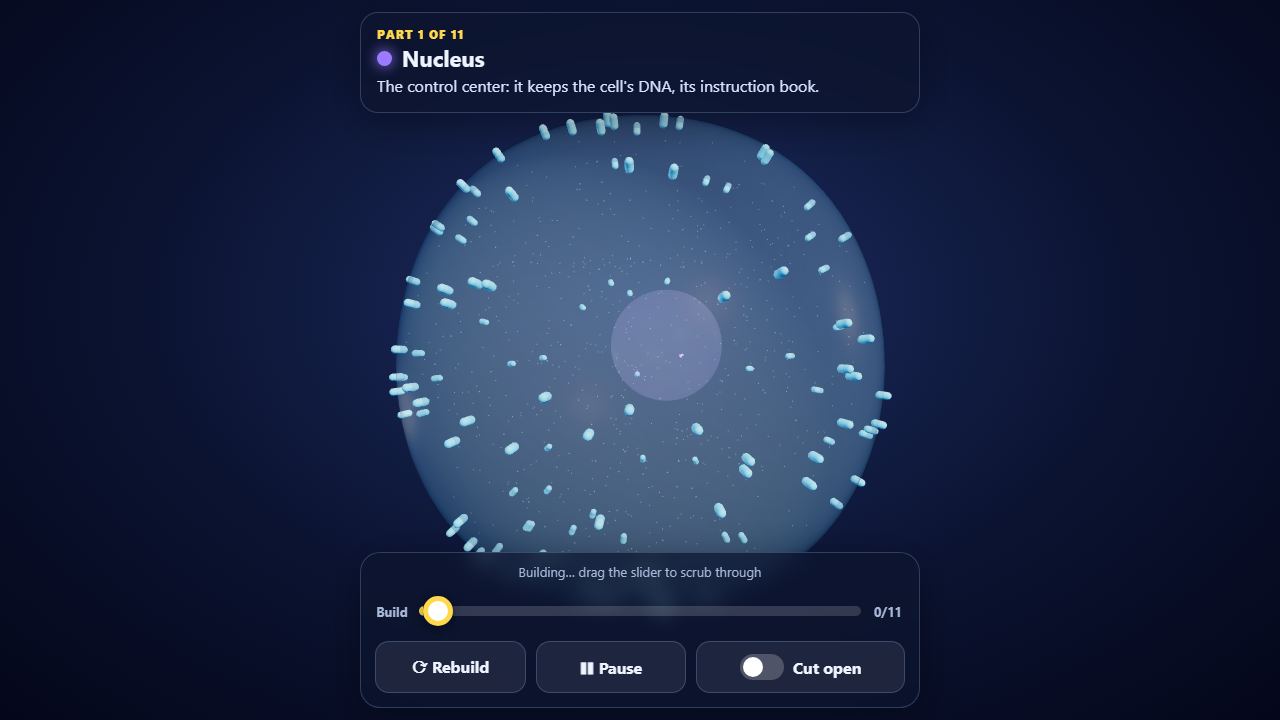
One-answer agent run: a Claude Code agent running Claude Opus 5.5 at max effort got only the prompt and wrote the file in a single write. It did not open or test it, and nobody edited it afterwards. It hit the tool's response limit 3 times (128,000 tokens each) while thinking.
What it built, in its own words: A single-file three.js animal cell. It starts as an empty, see-through membrane that wobbles gently, then adds 11 parts one at a time. Each part pops or grows in with a glow, gets a floating label and shows a one-sentence caption: nucleus with pores and chromatin, nucleolus, rough ER sheets dotted with ribosomes, smooth ER tubes, free ribosomes including a polysome, a Golgi stack, mitochondria with cristae, lysosomes, vesicles travelling from the ER to the Golgi to the membrane, centriole pairs made of 9 triplets, and a microtubule and actin cytoskeleton. Once the cell is complete you can drag to orbit and pinch or wheel to zoom, and tapping a part or its label flies the camera to it and shows a longer 'what it does' card. A Cut open switch slices the cell with an animated clipping plane and a glowing edge ring, and there are Rebuild and Play/Pause buttons and a build slider. With #demo in the URL, a 20 s hands-free loop runs (fast build, cut, fly to the mitochondria and nucleus, scrub back) and ends on any real touch.
Limitations it reported: One-shot: the file was never opened, run or tested, so there may be runtime bugs; the cut shows open shells and has no solid cap faces; the cut direction is set from the camera at the moment the switch turns on; tap-to-fly only works once the build is complete; earlier taps show a hint instead; transparent layers (membrane, nucleus, mitochondria) can show small depth-sorting artifacts; floating labels can overlap on small phone screens; the thin cytoskeleton fibers are easier to select by their label than by tapping them; shapes are stylized and not to scale; organelle positions come from a fixed seeded random layout.
Status not checked by a person yet.
How it was checked
- Console errors
- none
- Links and libraries
- all allowed
- Hands-free demo
- yes
- Phone check
- 390x844
- Libraries it loads
- cdn.jsdelivr.net/npm/[email protected]/build/three.module.js, cdn.jsdelivr.net/npm/[email protected]/examples/jsm/
The benchmark
Build a Cell, Part by Part
Watch a living cell build itself one part at a time, then tap any part to learn what it does.
I keep the exact prompts private for now.
Every AI on this benchmark